
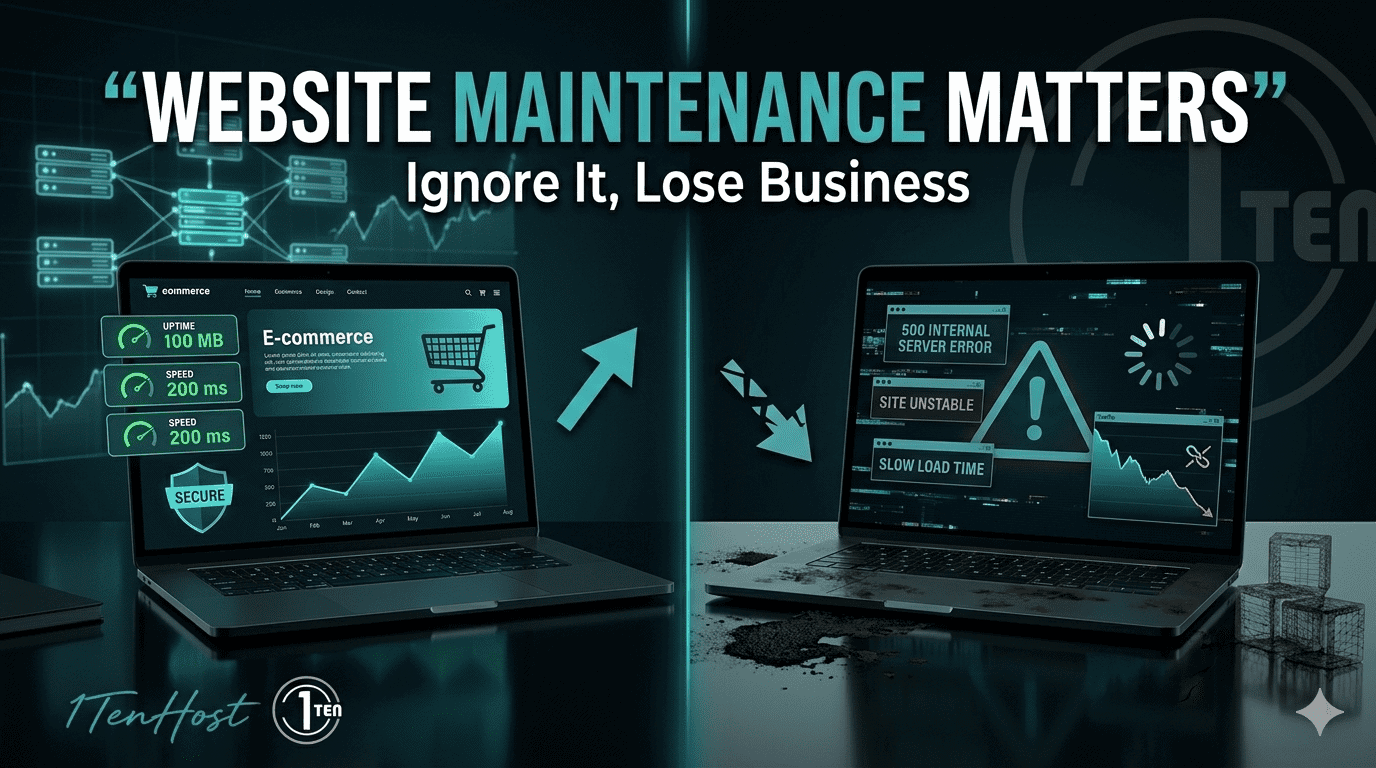
Ignoring website maintenance can cost you traffic, security, and sales. Learn why website maintenance is important and how to protect your site.
Introduction
You’ve built your website, launched it, and maybe even started getting traffic. Feels like the hard part is done, right?
Not quite.
A website isn’t a one-time project. It’s more like a living system that needs regular care. Without maintenance, even a well-designed site can slowly break, become vulnerable, or lose its rankings.
Many businesses in Karachi, London, and New York make the same mistake. They invest in building a website but ignore what happens after launch. That’s where problems begin.
In this guide, you’ll learn why website maintenance is important, what risks you face without it, and how to keep your site running smoothly.
What Is Website Maintenance?
Website maintenance is the ongoing process of keeping your site updated, secure, and performing well.
It’s not just about fixing issues when something breaks. It’s about preventing problems before they happen.
What does maintenance include?
- Updating plugins and software
- Monitoring security
- Backing up data
- Fixing bugs and errors
- Improving site speed
- Checking overall website health
Think of it like servicing a car. Skip maintenance, and sooner or later, things go wrong.
Security Risks Without Maintenance
Security is one of the biggest reasons why website maintenance is important.
Outdated websites are easy targets for hackers.
Hacking and Malware Risks
If your website software or plugins aren’t updated, hackers can exploit known vulnerabilities.
Common issues include:
- Malware injections
- Website defacement
- Redirecting users to spam sites
- Blacklisting by search engines
Even small business websites in Karachi or local service sites in London are targeted daily. No site is “too small” to be attacked.
Data Breach Consequences
If your website stores user data, the risk becomes even more serious.
A breach can lead to:
- Loss of customer trust
- Legal issues
- Financial penalties
- Damaged brand reputation
Once trust is broken, it’s hard to rebuild.
Performance Impact
A slow or broken website directly affects your business.
Slow Speed Equals Lost Revenue
Users expect fast loading websites. If your site takes too long, they leave.
Here’s what poor performance leads to:
- Higher bounce rates
- Lower conversions
- Frustrated users
- Reduced engagement
Imagine a customer in New York trying to access your site, but it takes 5 seconds to load. They’ll likely move to a competitor.
Regular maintenance ensures your site stays fast and responsive.
SEO and Ranking Effects
Search engines don’t just look at content. They also care about how well your site performs.
Google’s View of Neglected Sites
Search engines like Google prioritise websites that are:
- Fast
- Secure
- Updated
- User-friendly
If your site has broken links, slow speed, or security warnings, your rankings will drop.
Neglected websites often face:
- Lower search engine rankings
- Reduced organic traffic
- De-indexing in extreme cases
So if you’re investing in SEO but ignoring maintenance, you’re working against yourself.
Common Maintenance Tasks
Let’s break down what regular website maintenance actually looks like.
Monthly Checklist
Here’s a simple website maintenance checklist you can follow:
Updates
- Update CMS (like WordPress)
- Update plugins and themes
Security
- Run malware scans
- Check for suspicious activity
Backups
- Take full website backups
- Store backups securely
Performance
- Test website speed
- Optimise images and code
SEO Health
- Fix broken links
- Check indexing status
- Update outdated content
Functionality
- Test forms and contact pages
- Check mobile responsiveness
Doing this regularly keeps your website stable and reliable.
Setting Up a Maintenance Plan
Now the question is, how do you manage all this?
DIY vs Managed Plans
You have two main options.
Do It Yourself (DIY)
- Lower cost
- Requires time and technical knowledge
- Risk of missing important updates
Managed Website Maintenance
- Done by professionals
- Regular monitoring and updates
- Faster issue resolution
- Better long-term performance
For most businesses, especially those focused on growth, a managed plan is the smarter choice.
Why Website Maintenance Is Important for Long-Term Growth
Let’s sum it up in practical terms.
Website maintenance helps you:
- Protect your site from hackers
- Keep your website fast and user-friendly
- Maintain and improve SEO rankings
- Avoid costly downtime
- Build trust with your audience
Without it, your website slowly loses value.
FAQ Section
Why is website maintenance important for small businesses?
It keeps your site secure, fast, and visible in search results, which helps attract and retain customers.
How often should I maintain my website?
Basic checks should be done monthly, while security monitoring should be ongoing.
What happens if I don’t maintain my website?
Your site can become slow, vulnerable to attacks, and lose search rankings over time.
Does website maintenance affect SEO?
Yes, a well-maintained site performs better in search engines and provides a better user experience.
Can I handle website maintenance myself?
You can, but it requires time and technical skills. Many businesses prefer managed services for reliability.
Conclusion
A website without maintenance is like a shop left unattended. At first, everything looks fine. But over time, issues start to appear, customers leave, and opportunities are lost.
If you want your website to support your business growth, not hold it back, maintenance isn’t optional. It’s essential.
Whether you’re targeting customers in Karachi, expanding into London, or reaching a global audience, a well-maintained website gives you a strong, reliable foundation.
And if you’d rather focus on your business while someone else handles the technical side, it might be worth getting expert help. Many businesses choose to work with teams that manage everything from updates and backups to security and performance.
If you’re looking for that kind of support, you can explore services at 1tenhost.com, reach out directly at info@1tenhost.com, or send a quick message on WhatsApp at https://wa.me/923451151625. It’s a simple way to keep your website running smoothly without the stress.

1TenHost.com






Leave a Reply