
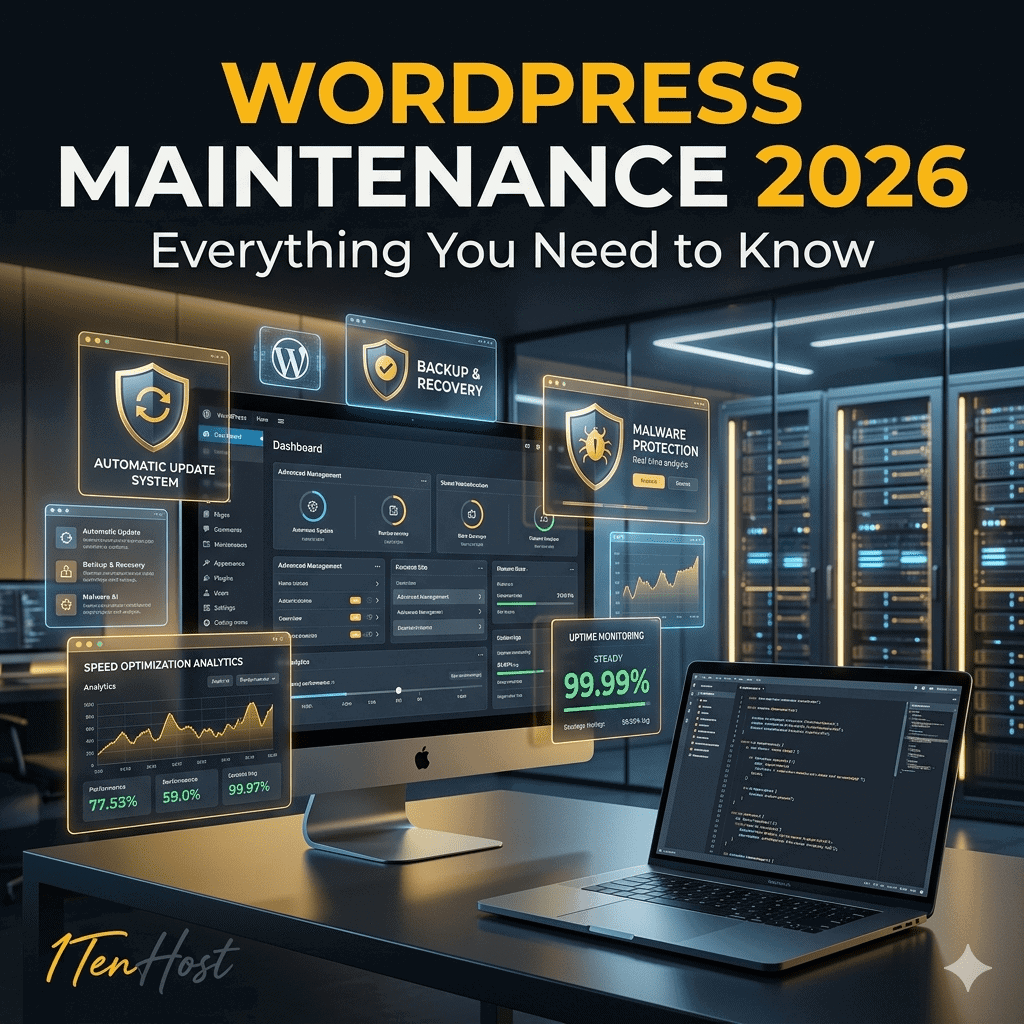
Learn everything about WordPress website maintenance in 2026, including security updates, backups, malware protection, speed optimisation, uptime monitoring, and managed support.
Introduction
Launching a WordPress website is only the first step. Keeping it secure, fast, stable, and properly updated is what actually protects your business long term.
Many businesses build a WordPress website and then completely ignore maintenance afterwards. A few months later, they face:
- Hacked websites
- Broken plugins
- Slow loading pages
- SEO ranking drops
- Malware infections
- Downtime issues
That’s because WordPress websites constantly evolve. Plugins update regularly, themes change, security vulnerabilities appear, and Google’s performance standards continue getting stricter every year.
Whether you manage a business website in London, an ecommerce store in New York, a startup platform in Berlin, or a company website in Karachi, regular WordPress website maintenance in 2026 is essential for:
- Security
- SEO performance
- Website speed
- User experience
- Long-term stability
This guide explains everything businesses need to know about maintaining a WordPress website properly, including backups, updates, security hardening, uptime monitoring, and managed maintenance plans.
WordPress Update Types
WordPress maintenance starts with updates.
Ignoring updates is one of the most common reasons websites become vulnerable or unstable.
Core WordPress updates
WordPress itself regularly releases:
- Security patches
- Performance improvements
- Bug fixes
- Compatibility updates
Core updates are critical because outdated installations often become security risks quickly.
Plugin updates
Plugins add functionality to WordPress websites, but outdated plugins are also one of the biggest causes of:
- Website hacks
- Malware infections
- Broken pages
- Compatibility problems
Professional maintenance should include:
- Safe plugin testing
- Compatibility checks
- Staging updates
- Error monitoring
Theme updates
Themes also require regular maintenance.
Old themes may:
- Slow down websites
- Create security vulnerabilities
- Break layouts
- Cause mobile responsiveness issues
Keeping themes updated improves both performance and security.
Why updates matter for SEO
Google increasingly rewards websites that provide:
- Better speed
- Strong security
- Stable performance
- Good mobile usability
Poor maintenance can quietly affect:
- Rankings
- Crawlability
- Core Web Vitals
- User trust
That’s why WordPress maintenance is directly connected to SEO performance now.
Backup Best Practices
Backups are one of the most important parts of WordPress maintenance.
Without backups, recovering from problems becomes difficult and expensive.
Backup Plugins Compared
WordPress backup plugins help automate website protection.
Good backup systems should support:
- Scheduled backups
- Full website restoration
- Database recovery
- Cloud storage integration
A proper backup solution protects against:
- Hacking incidents
- Hosting failures
- Human mistakes
- Plugin conflicts
What businesses should look for in backup systems
Reliable backup systems should include:
- Automatic scheduling
- Off-site storage
- Multiple restore points
- Fast recovery options
Daily backups are ideal for active business websites and ecommerce stores.
Off-Site Backup Strategy
Storing backups only on the same server is risky.
If the server fails completely, local backups may disappear too.
Professional maintenance strategies usually include:
- Cloud backups
- External storage systems
- Multiple backup locations
This creates stronger disaster recovery protection.
Security Hardening
WordPress powers millions of websites globally, which also makes it a common target for cyberattacks.
Security hardening reduces vulnerability risks significantly.
Two-Factor Authentication
Two-factor authentication adds an extra security layer to WordPress logins.
This helps prevent:
- Brute force attacks
- Stolen password access
- Admin account compromises
Businesses handling customer data should strongly consider enabling 2FA.
WAF & Firewalls
A web application firewall (WAF) helps block malicious traffic before it reaches your website.
Firewall systems can help protect against:
- Malware attacks
- Bot traffic
- SQL injections
- Login attacks
Security monitoring has become especially important for ecommerce websites and business platforms.
WordPress malware removal
Malware infections can seriously damage:
- SEO rankings
- Customer trust
- Website functionality
Professional malware removal usually involves:
- Security scanning
- File cleanup
- Vulnerability patching
- Blacklist monitoring
The earlier malware is detected, the easier recovery becomes.
Speed Optimisation
Website speed directly affects:
- SEO rankings
- Bounce rates
- Mobile usability
- Conversion rates
Slow WordPress websites often lose both traffic and leads.
Caching & CDN
Caching helps websites load faster by reducing server processing time.
A CDN (Content Delivery Network) improves speed globally by serving content closer to visitors.
Together, caching and CDNs help improve:
- Core Web Vitals
- Mobile speed
- User experience
This is especially important for businesses serving users across Europe, the USA, London, and Pakistan.
WordPress speed optimisation techniques
Professional optimisation may include:
- Image compression
- Database cleanup
- Script optimisation
- Lazy loading
- Server-level caching
- Code minification
Many slow websites improve dramatically after proper optimisation.
Mobile Performance Matters More in 2026
Google now prioritises mobile-first indexing.
That means mobile performance heavily influences rankings.
Businesses in areas like Manhattan, Canary Wharf, Clifton Karachi, and central Europe increasingly receive most traffic from smartphones.
A mobile-friendly WordPress website should:
- Load quickly
- Display properly on all devices
- Avoid layout shifts
- Use responsive design
Uptime Monitoring
Website downtime damages:
- SEO
- Customer trust
- Lead generation
- Ecommerce sales
Many businesses don’t realise their website is offline until customers complain.
Uptime Tools & Alerts
Professional maintenance plans usually include:
- 24/7 uptime monitoring
- Instant downtime alerts
- Server response tracking
- Performance monitoring
Fast response times reduce business disruption significantly.
Why uptime monitoring matters
Even short periods of downtime can:
- Hurt rankings
- Reduce sales
- Damage credibility
For ecommerce websites, downtime directly affects revenue.
Managed WordPress Plans
Many businesses prefer managed maintenance because handling everything internally becomes time-consuming.
Managed WordPress maintenance helps businesses focus on operations while technical teams handle:
- Updates
- Security
- Backups
- Performance optimisation
- Monitoring
What managed plans typically include
A professional WordPress care plan may include:
- Plugin management
- Theme updates
- Security scans
- Daily backups
- Malware monitoring
- Speed optimisation
- Emergency support
Managed services reduce technical stress for business owners.
Why Businesses Choose 1TenHost for WordPress Maintenance
1TenHost focuses on long-term WordPress website stability, performance, and security.
Businesses choose 1TenHost because of:
- Fast technical support
- Affordable maintenance plans
- Security-focused management
- Backup protection
- SEO-friendly optimisation
- Reliable monitoring
The goal is not only keeping websites online, but helping businesses maintain strong performance and customer trust over time.
Common WordPress Maintenance Mistakes
Many businesses accidentally create problems by:
- Ignoring plugin updates
- Using weak passwords
- Skipping backups
- Installing too many plugins
- Ignoring mobile performance
- Delaying malware cleanup
Small maintenance problems often grow into expensive issues later.
Future WordPress Maintenance Trends
WordPress maintenance continues evolving rapidly.
Important trends for 2026 include:
- AI-powered monitoring
- Automated vulnerability detection
- Faster cloud backups
- Advanced performance optimisation
- Predictive security systems
Businesses investing in proactive maintenance now usually avoid major technical problems later.
Frequently Asked Questions
How often should a WordPress website be maintained?
Most WordPress websites should receive weekly updates, daily monitoring, and monthly technical reviews.
Why is WordPress maintenance important?
Maintenance protects websites from security vulnerabilities, downtime, performance issues, and SEO problems.
Can outdated plugins cause website hacks?
Yes. Outdated plugins are one of the most common causes of WordPress security breaches.
What is the best backup strategy for WordPress?
The safest approach combines automatic daily backups with off-site cloud storage and multiple restore points.
Does website speed affect WordPress SEO?
Absolutely. Website speed and Core Web Vitals directly impact Google rankings and user experience.
Conclusion
WordPress website maintenance in 2026 is no longer optional for serious businesses.
Regular maintenance helps protect:
- Website security
- SEO rankings
- Customer trust
- Website speed
- Business continuity
Whether you operate a startup, ecommerce store, agency website, or business platform, maintaining your WordPress site properly prevents expensive technical problems later.
The businesses performing best online today are not simply building websites. They are actively maintaining, securing, and optimising them continuously.
Contact Information
Need professional WordPress maintenance, security protection, backups, or speed optimisation?
Website: 1TenHost Official Website
Email: info@1tenhost.com
WhatsApp: Chat on WhatsApp
Call: 0345-3075518
Address: 1TenHost Location
P.no 2, S.713 Jaffar e Tayyar Society, 75050, Karachi, Pakistan

1TenHost.com







Leave a Reply